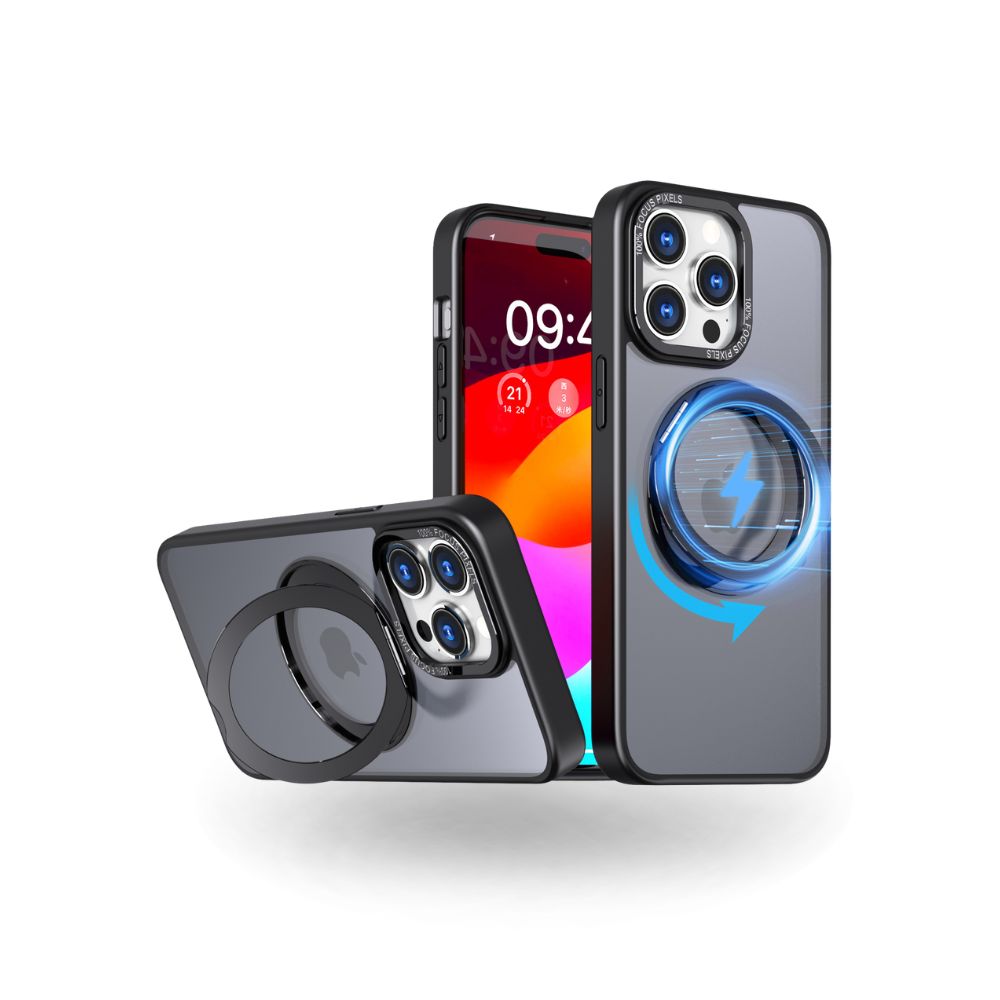

How to Design a Stunning Custom Photo iPhone Case in 2026 (Pro USA Printing Tips to Avoid Blurry, Faded, or Cropped Designs)
Designing your own custom photo iPhone case is one of the most satisfying ways to personalize your Apple device. However, many American customers encounter disappointing results after customization: blurry prints, washed-out colors, awkward cropping, blocked faces, misplaced subjects, and low-resolution grainy textures. Most of these issues are not caused by poor case quality — they result from incorrect photo selection and uninformed design choices.
To help every USA user create flawless, professional-level personalized case designs, we have compiled this complete 2026 pro design guide. These industry-standard tips will ensure your personalized iPhone photo case looks crisp, vibrant, perfectly composed, and premium-quality every single time.

Why So Many Custom Photo Cases Look Low-Quality (Common USA User Mistakes)
Before jumping into design steps, it is critical to understand the most frequent mistakes that ruin custom case prints:
- Using compressed social media photos and screenshots with low pixel density
- Placing key photo subjects over the iPhone camera cutout area
- Over-editing photos with heavy filters that distort true colors
- Stretching small photos to fit the case frame, creating pixelation
- Ignoring lighting conditions that create overexposed or dark prints
- Choosing cluttered collage layouts that reduce overall clarity
By avoiding these errors and following our professional workflow, anyone can create gallery-worthy custom case designs without professional design experience.

Step 1: Choose Perfect Print-Ready Photos (Most Important Rule)
The foundation of every great customized photo phone case is a high-quality original photo. Always use uncompressed original images from your camera roll, not screenshots, Facebook saves, Instagram downloads, or text-message compressed files. Original high-resolution photos contain millions of pixel details that ensure ultra-sharp printing.
Natural soft lighting creates the best printing results. Photos taken outdoors in diffused daylight or indoor soft lighting produce balanced tones, smooth gradients, and natural skin tones. Avoid harsh direct sunlight that causes overexposure and pure shadow areas that print too dark.
For portrait photos, center the subject slightly above the middle of the frame to avoid conflict with the camera bump. Never place eyes, faces, or critical details near the top camera cutout zone.
Step 2: Master Layout & Composition for All Case Styles
Different case materials require slightly different layout strategies for optimal visual effects.
Glass & Magnetic Cases – Bold, Vibrant Full-Cover Designs
custom glass photo iPhone case and magnetic cases support full saturation designs. Bright scenery photos, vibrant family portraits, and high-contrast pet photos look absolutely stunning on glossy glass surfaces. Full-coverage photos without blank space create a luxury professional appearance.
Clear Cases – Minimalist & Soft Composition
For magnetic clear custom photo iPhone case styles, simpler compositions work best. Single-subject photos, minimalist portraits, and clean landscape shots highlight the transparent layered effect without visual clutter.
Silicone & Dual-Layer Cases – Warm Casual Layouts
Soft-toned photos, family candids, and daily casual moments perfectly match the gentle texture of silicone cases, while dual-layer cases support bold high-energy designs perfect for outdoor and adventure photos.

Step 3: Our 3-Minute Zero-Design-Skill Customization Workflow
Our USA-optimized customization system is built for simplicity. You can complete a perfect custom design in three quick steps:
- Select your exact iPhone model: Precise model selection guarantees accurate cutouts and perfect photo scaling
- Choose your preferred case material: Silicone, clear, glass, dual-layer, or MagSafe custom photo case
- Upload, adjust, preview, and confirm: Freely drag, zoom, and position your photo, then preview the final effect before checkout
Pro USA Designer Hacks for Perfect Prints
- Use vertical photos for full vertical case coverage
- Keep faces centered and away from all edges and cutouts
- Avoid tiny text on photos — text often blurs during printing
- For collages, keep less than 6 photos for clean aesthetics
- Save your favorite designs for future reorders
Why Venucases Prints Are Consistently Better Than Other USA Custom Sites
Most American custom case companies use low-cost surface ink printing that scratches off and fades within weeks. We use industrial UV embedded printing that bonds the photo permanently into the case material. This advanced method ensures scratch resistance, fade resistance, and long-term color stability through months of daily handling, pocket friction, and sunlight exposure.
Every design is manually checked for clarity and scaling before production, ensuring no distorted or blurry cases ship to USA customers.
Ready to create your perfect custom photo design? Start customizing now:
Custom Photo iPhone Cases Collection
"
0 comments